Audio Normalization
Use this to bring podcast episodes to Spotify's standard, make sure every track in a music collection plays at the same level, or hit a professional broadcast level.
Version 0.1.46 is permanently free with all 76 tools and modules. No usage quota, time limit, license key or subscription.
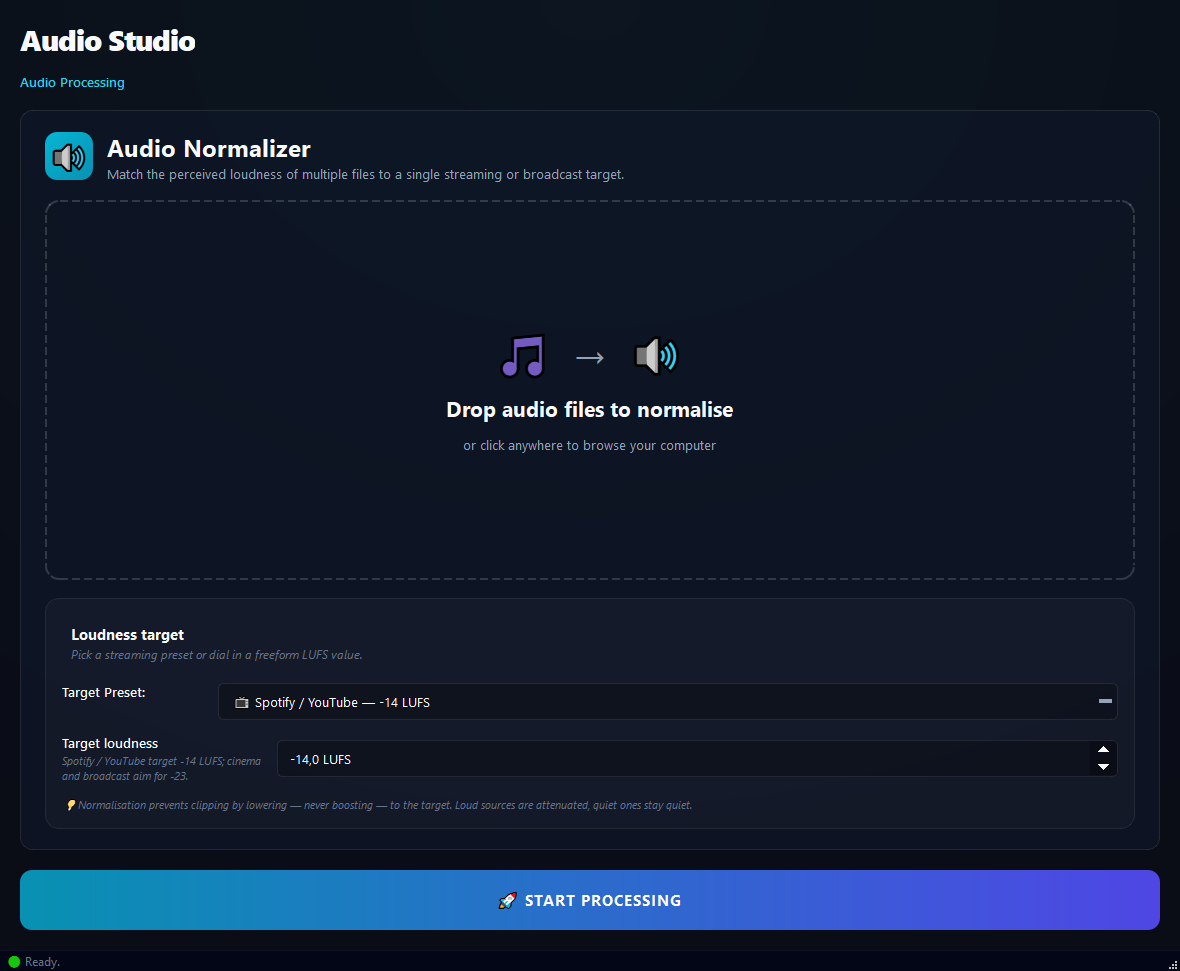
What it does
Use this to bring podcast episodes to Spotify's standard, make sure every track in a music collection plays at the same level, or hit a professional broadcast level.
How to use it
- 1Drag audio files into the list.
- 2Pick a Target Preset (easiest) or set a manual Target Loudness.
- 3Click Run.
Use cases
Normalize podcast episodes for Spotify
Add the episodes, Spotify preset, run. They all end up at -14 LUFS.
Even out a music collection
Add the MP3s, Apple Music preset (-16 LUFS), run. Every track plays at the same loudness.
Broadcast TV audio
Add the broadcast files, TV Broadcast (-23 LUFS), run.
Custom standard
Add the files, type -18 LUFS manually, run.
Frequently asked questions
Is Audio Normalization free?
Yes. Version 0.1.46 is permanently free with all 76 tools and modules included. There is no usage quota or time limit, and no license key, account or subscription is required.
Local processing
Runs on your CPU/GPU. No file leaves your machine.
Batch ready
Process dozens or thousands of files in one run.
Part of BulkPro
Bundled with 76 tools across 7 modules: one install, one app.
Full UI reference, step-by-step workflows, edge cases
Every input, button, and behavior documented for advanced users.