Image Compressor
Use this to make high-resolution photos web-ready, shrink files for email attachments, or quickly downsize thousands of phone-camera images.
Version 0.1.46 is permanently free with all 76 tools and modules. No usage quota, time limit, license key or subscription.
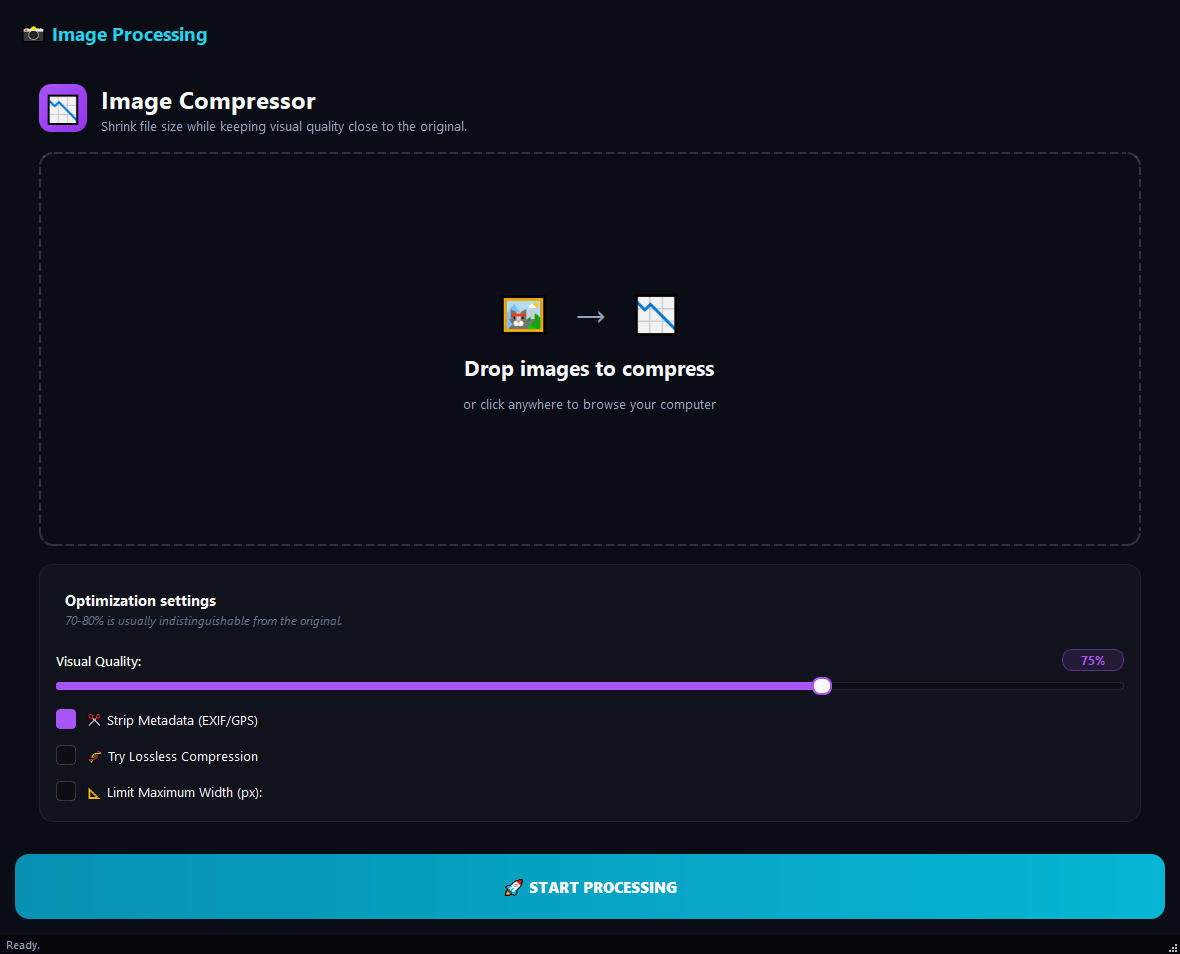
What it does
Use this to make high-resolution photos web-ready, shrink files for email attachments, or quickly downsize thousands of phone-camera images. To change format, use **Image Converter** instead.
How to use it
- 1Drag images into the list. Adding a folder queues every image inside it.
- 2Adjust the Image Quality slider (default 75%).
- 3Tick Strip Metadata for privacy.
- 4Set Maximum Width to cap large dimensions.
- 5Click Run.
Use cases
Website-ready photos
Add the photos, quality 80%, Max Width 1920, run. Fast-loading but still sharp.
Email-friendly sizes
Add the images, quality 70%, Max Width 1280, run. Files fit under mail size limits.
Privacy cleanup for social media
Add the images, quality 85%, Strip Metadata on, run. Location and time data are wiped.
Archive a phone gallery
Add the folder, quality 75%, Max Width 2560, run. Every photo is archived at roughly half the size.
Frequently asked questions
Is Image Compressor free?
Yes. Version 0.1.46 is permanently free with all 76 tools and modules included. There is no usage quota or time limit, and no license key, account or subscription is required.
Local processing
Runs on your CPU/GPU. No file leaves your machine.
Batch ready
Process dozens or thousands of files in one run.
Part of BulkPro
Bundled with 76 tools across 7 modules: one install, one app.
Full UI reference, step-by-step workflows, edge cases
Every input, button, and behavior documented for advanced users.