PDF Compress
Shrink PDF size in batches. Local, fast, no upload.
Version 0.1.46 is permanently free with all 76 tools and modules. No usage quota, time limit, license key or subscription.
What it does
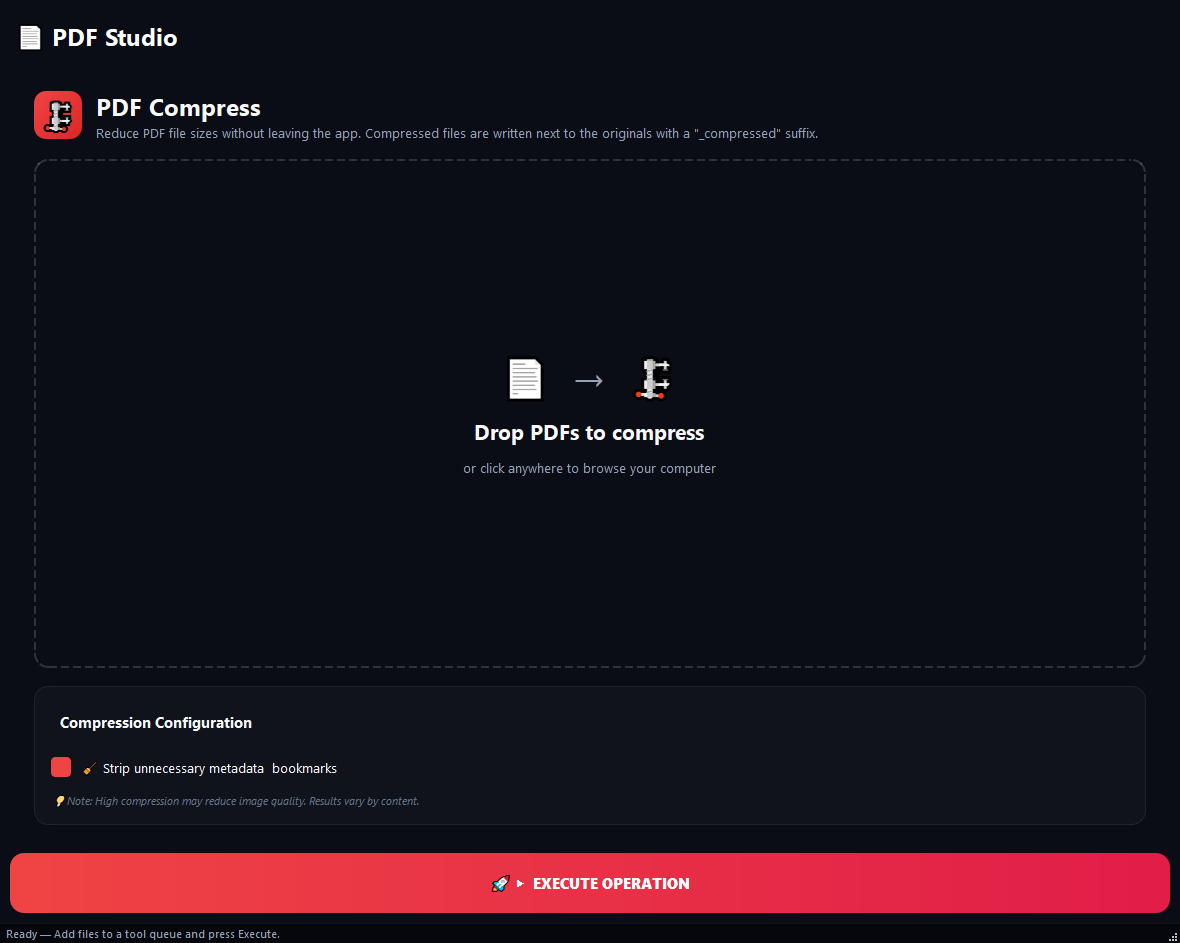
BulkPro PDF Compression makes heavy PDFs small for email, web upload or archiving. Scanned documents can drop up to 90%; vector reports gain less. Screen, Office, Print and Lossless profiles let you control quality, and it processes dozens of PDFs at once. Unlike online tools, your files are never uploaded to a server; everything runs on your computer.
How to use it
- 1Drag the PDFs you want to compress onto the list.
- 2Pick a profile: Screen (72 DPI), Office/Email (150 DPI, recommended), Print (300 DPI) or Lossless.
- 3Optionally enable 'Grayscale' or 'Strip metadata'.
- 4Click Run. A compressed copy of each file is produced.
Use cases
Attach a report to an email
Use the Office/Email profile; the file drops to about half its size and fits comfortably.
Archive scanned invoices
Screen profile + grayscale cuts size up to 90%, keeping thousands of invoices small.
Preserve print quality
The Print profile keeps visual quality intact with a light size gain.
Frequently asked questions
How do I reduce a PDF's size?
Add the PDFs, pick a compression profile (Office/Email recommended) and click Run; a smaller copy of each file is produced.
Does compression hurt quality?
It depends on the profile. Print and Lossless cause no visible degradation; Screen and Office lower image resolution while keeping text crisp.
Are my files uploaded to the cloud?
No. Compression runs locally on your computer; your PDFs are never sent to any server and there is no size or count limit.
Is PDF Compress free?
Yes. Version 0.1.46 is permanently free with all 76 tools and modules included. There is no usage quota or time limit, and no license key, account or subscription is required.
Local processing
Runs on your CPU/GPU. No file leaves your machine.
Batch ready
Process dozens or thousands of files in one run.
Part of BulkPro
Bundled with 76 tools across 7 modules: one install, one app.
Full UI reference, step-by-step workflows, edge cases
Every input, button, and behavior documented for advanced users.