Jump-Cut Remover
Use this to turn raw vlogs, training videos, podcast video recordings or YouTube footage into polished content.
Version 0.1.46 is permanently free with all 76 tools and modules. No usage quota, time limit, license key or subscription.
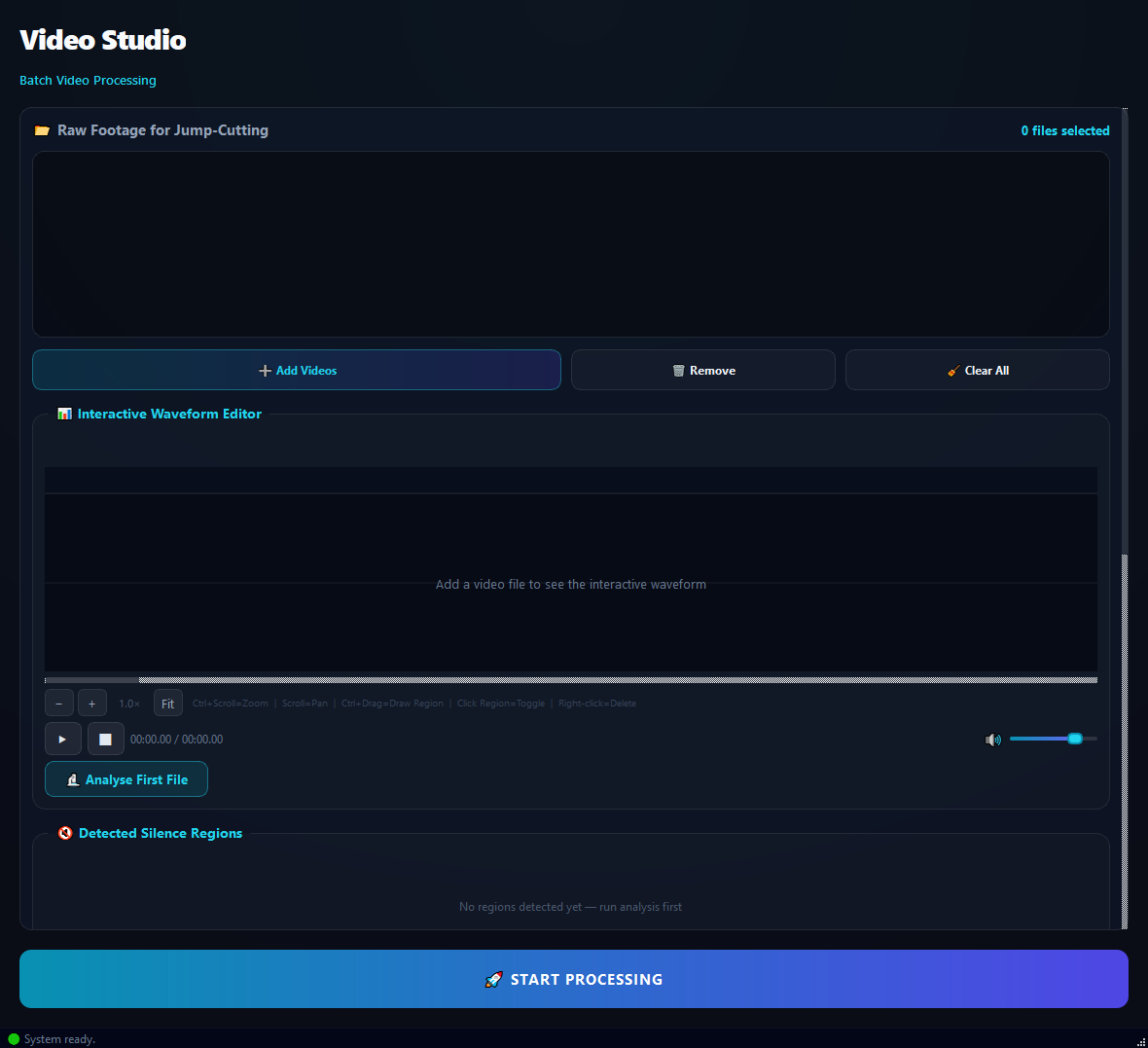
What it does
Use this to turn raw vlogs, training videos, podcast video recordings or YouTube footage into polished content. Typically trims 20-50% of the raw runtime and creates a dynamic pace.
How to use it
- 1Drag video files into the list.
- 2Pick a Quick Preset (Podcast, Tutorial, Vlog, Aggressive, Conservative).
- 3Click Analyse First File.
- 4Review the detected silence regions on the waveform.
- 5Toggle each region to CUT or KEEP as needed.
- 6Click Run.
Use cases
Tighten a vlog
Add the video, Vlog preset, analyse, review, run. Cuts the runtime roughly in half.
Clean up a podcast video
Add the video, Podcast preset, AI mode (if available), run. Fillers go.
Shorten long pauses in a training video
Add the video, Tutorial preset, threshold -42 dB, min 800 ms, run.
Quick draft
Add the video, Aggressive preset, run without reviewing. Fast result, no listening required.
Frequently asked questions
Is Jump-Cut Remover free?
Yes. Version 0.1.46 is permanently free with all 76 tools and modules included. There is no usage quota or time limit, and no license key, account or subscription is required.
Local processing
Runs on your CPU/GPU. No file leaves your machine.
Batch ready
Process dozens or thousands of files in one run.
Part of BulkPro
Bundled with 76 tools across 7 modules: one install, one app.
Full UI reference, step-by-step workflows, edge cases
Every input, button, and behavior documented for advanced users.