Audio Denoiser
Use this to reduce air-conditioner noise on meeting recordings, clean traffic rumble out of interviews, or get rid of the static on tape transfers.
Version 0.1.46 is permanently free with all 76 tools and modules. No usage quota, time limit, license key or subscription.
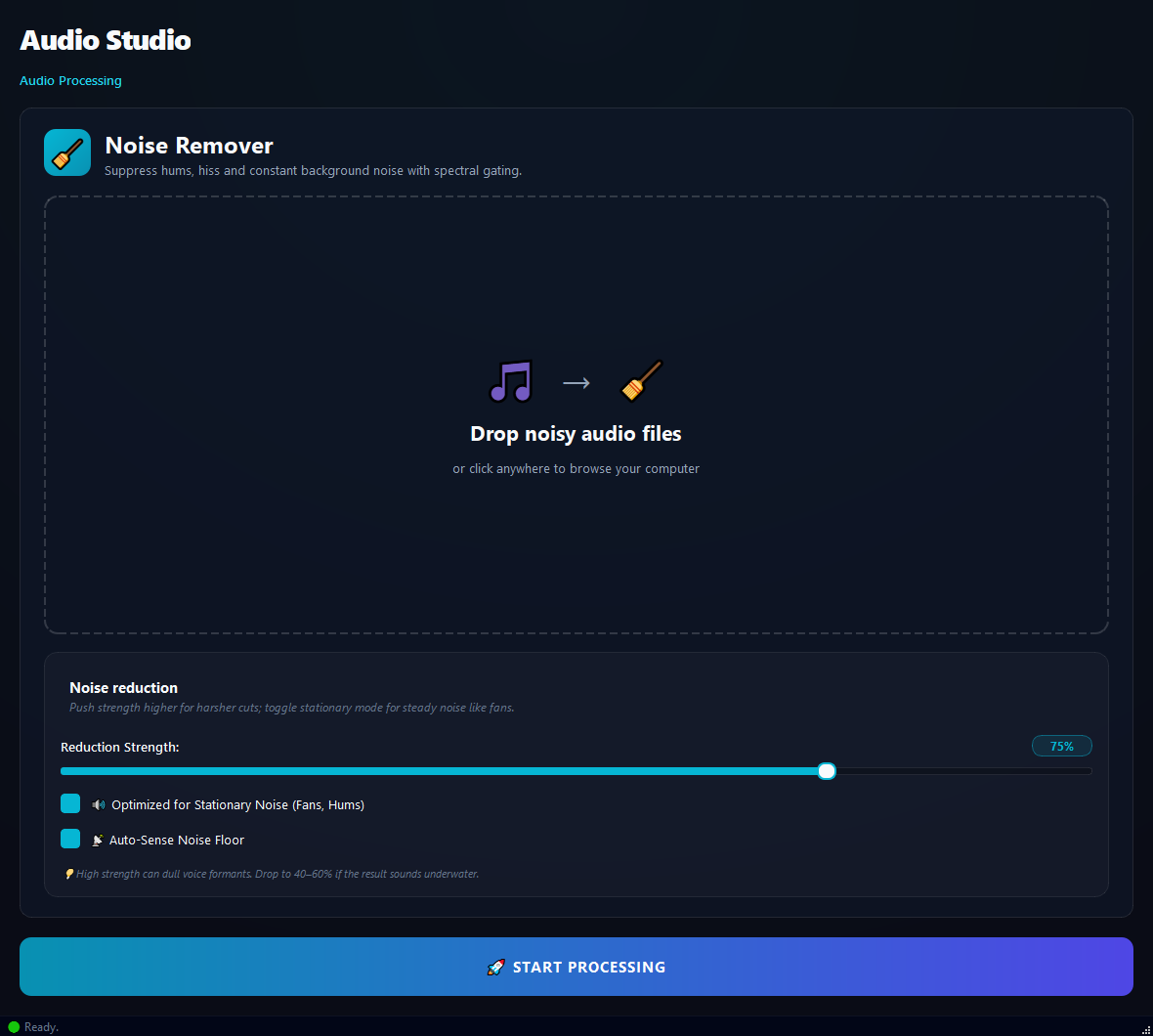
What it does
Use this to reduce air-conditioner noise on meeting recordings, clean traffic rumble out of interviews, or get rid of the static on tape transfers.
How to use it
- 1Drag audio files into the list.
- 2Adjust the Reduction Strength slider (default 75%).
- 3Leave Optimized for Stationary Noise and Auto-Sense on.
- 4Click Run.
Use cases
Meeting recording with AC noise
Add the file, Strength 75%, defaults, run. Speech becomes clearer.
Old tape with static
Add the tape transfer, Strength 85%, run. Static drops sharply.
Interview with traffic rumble
Add the interview, Strength 70%, run. Speech is preserved, noise drops.
Studio recording with slight hum
Add the file, Strength 50%, run. Gentle cleanup, no quality loss.
Frequently asked questions
Is Audio Denoiser free?
Yes. Version 0.1.46 is permanently free with all 76 tools and modules included. There is no usage quota or time limit, and no license key, account or subscription is required.
Local processing
Runs on your CPU/GPU. No file leaves your machine.
Batch ready
Process dozens or thousands of files in one run.
Part of BulkPro
Bundled with 76 tools across 7 modules: one install, one app.
Full UI reference, step-by-step workflows, edge cases
Every input, button, and behavior documented for advanced users.