Excel Diff
Use this to compare last month's CRM export to this month's, to spot the differences between a draft and a final report, or to audit what changed between two versions.
Version 0.1.46 is permanently free with all 76 tools and modules. No usage quota, time limit, license key or subscription.
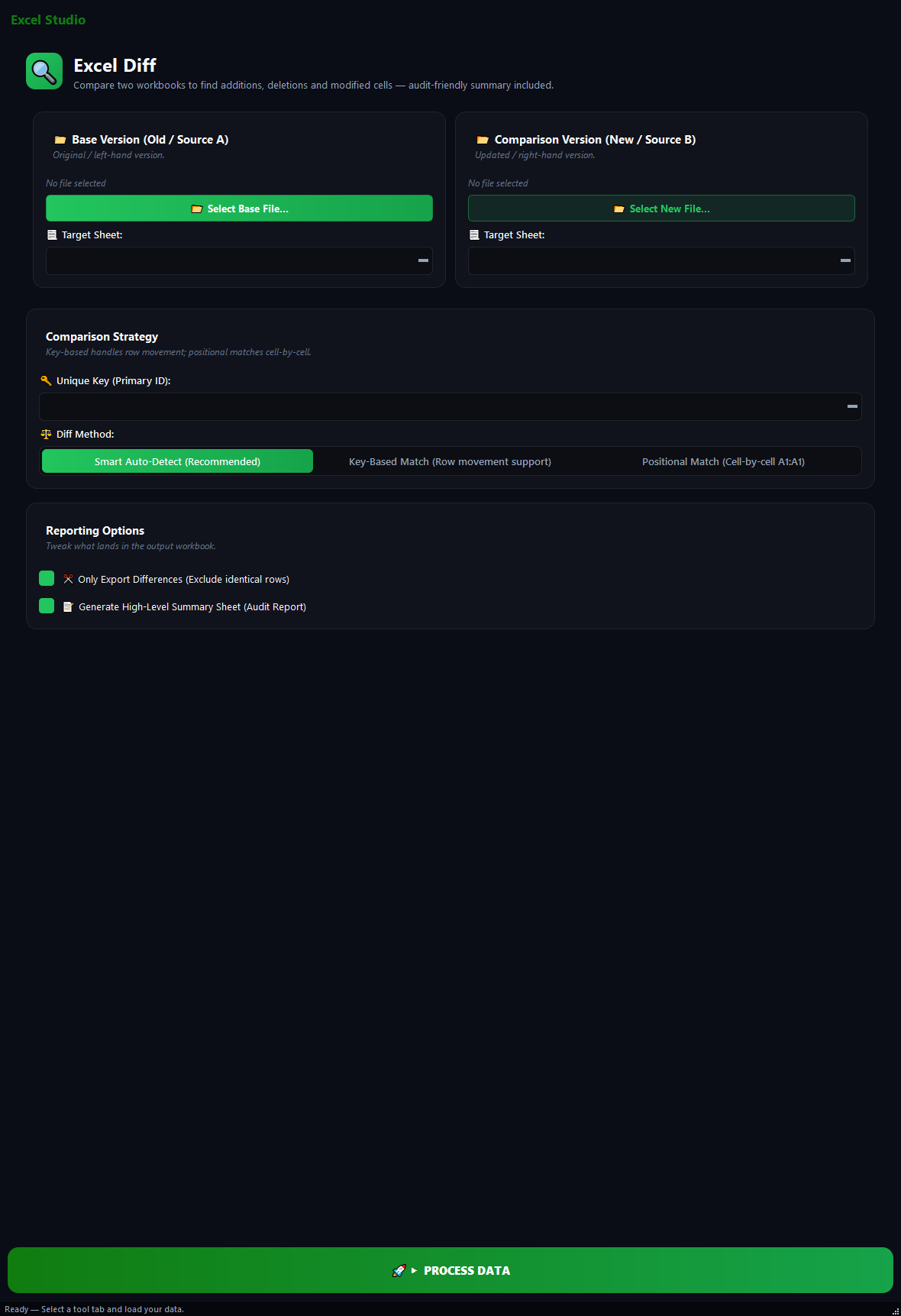
What it does
Use this to compare last month's CRM export to this month's, to spot the differences between a draft and a final report, or to audit what changed between two versions. No more row-by-row manual checking.
How to use it
- 1Pick the old/base file under Base Version.
- 2Pick the new file under Comparison Version.
- 3Pick the sheet to compare on each side.
- 4Pick a Unique Key column (e.g. order_id, customer_id). Used to match rows.
- 5Pick a Diff Method: Smart Auto-Detect, Key-Based or Positional.
- 6Tick the report options you want.
Use cases
Monthly CRM comparison
January CSV as Base, February CSV as Comparison, key customer_id, Smart Auto-Detect, run. Shows which customers were added, dropped, or updated.
Draft vs final report
v1.xlsx as Base, v2.xlsx as Comparison, key product_code, run. Shows which product prices changed.
Two sheets in the same file
Pick the same file on both sides, then pick different sheets. Shows the diff between Sheet1 and Sheet2.
Database backup verification
Old backup vs new backup as an integrity check.
Frequently asked questions
Is Excel Diff free?
Yes. Version 0.1.46 is permanently free with all 76 tools and modules included. There is no usage quota or time limit, and no license key, account or subscription is required.
Local processing
Runs on your CPU/GPU. No file leaves your machine.
Batch ready
Process dozens or thousands of files in one run.
Part of BulkPro
Bundled with 76 tools across 7 modules: one install, one app.
Full UI reference, step-by-step workflows, edge cases
Every input, button, and behavior documented for advanced users.