Image Metadata Tool
Use this to see where a photo was taken, when, on what camera (often including the serial number), to wipe that data before posting to social media, or to stamp your own copyright/author info.
Version 0.1.46 is permanently free with all 76 tools and modules. No usage quota, time limit, license key or subscription.
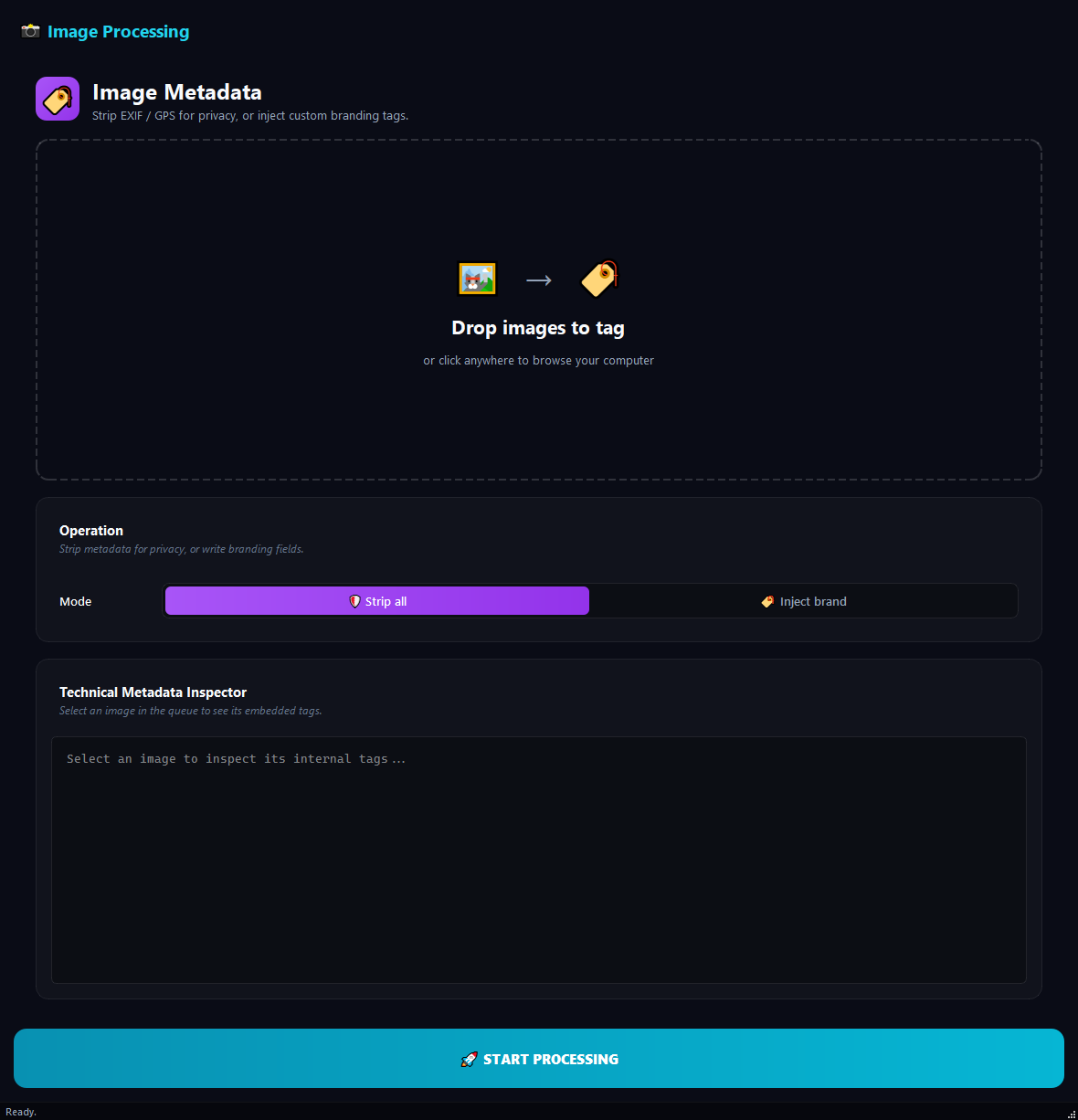
What it does
Use this to see where a photo was taken, when, on what camera (often including the serial number), to wipe that data before posting to social media, or to stamp your own copyright/author info.
How to use it
- 1Drag images into the list.
- 2Click an image to see all its metadata in the right panel.
- 3Pick a Strategy: Privacy Guard (strip all) or Custom Branding (write fields).
- 4For branding, fill in Author, Copyright, Description.
- 5Click Run.
Use cases
Privacy cleanup before social media
Add phone photos, pick Privacy Guard, run. Location and serial-number data are wiped.
Stamp studio copyright
Add the shoot, pick Custom Branding, Author Demir Studio, Copyright © 2026 Demir Studio, run.
Check where a photo was taken
Click the file and look at GPS Tags in the right panel. If coordinates are there, the location is recorded.
Inspect camera settings
Click the file, look at Exif Tags for ISO, exposure and similar values.
Frequently asked questions
Is Image Metadata Tool free?
Yes. Version 0.1.46 is permanently free with all 76 tools and modules included. There is no usage quota or time limit, and no license key, account or subscription is required.
Local processing
Runs on your CPU/GPU. No file leaves your machine.
Batch ready
Process dozens or thousands of files in one run.
Part of BulkPro
Bundled with 76 tools across 7 modules: one install, one app.
Full UI reference, step-by-step workflows, edge cases
Every input, button, and behavior documented for advanced users.