Image OCR
Use this to grab text from a phone photo of an invoice, copy text out of a screenshot, or convert a scanned document into editable text.
Version 0.1.46 is permanently free with all 76 tools and modules. No usage quota, time limit, license key or subscription.
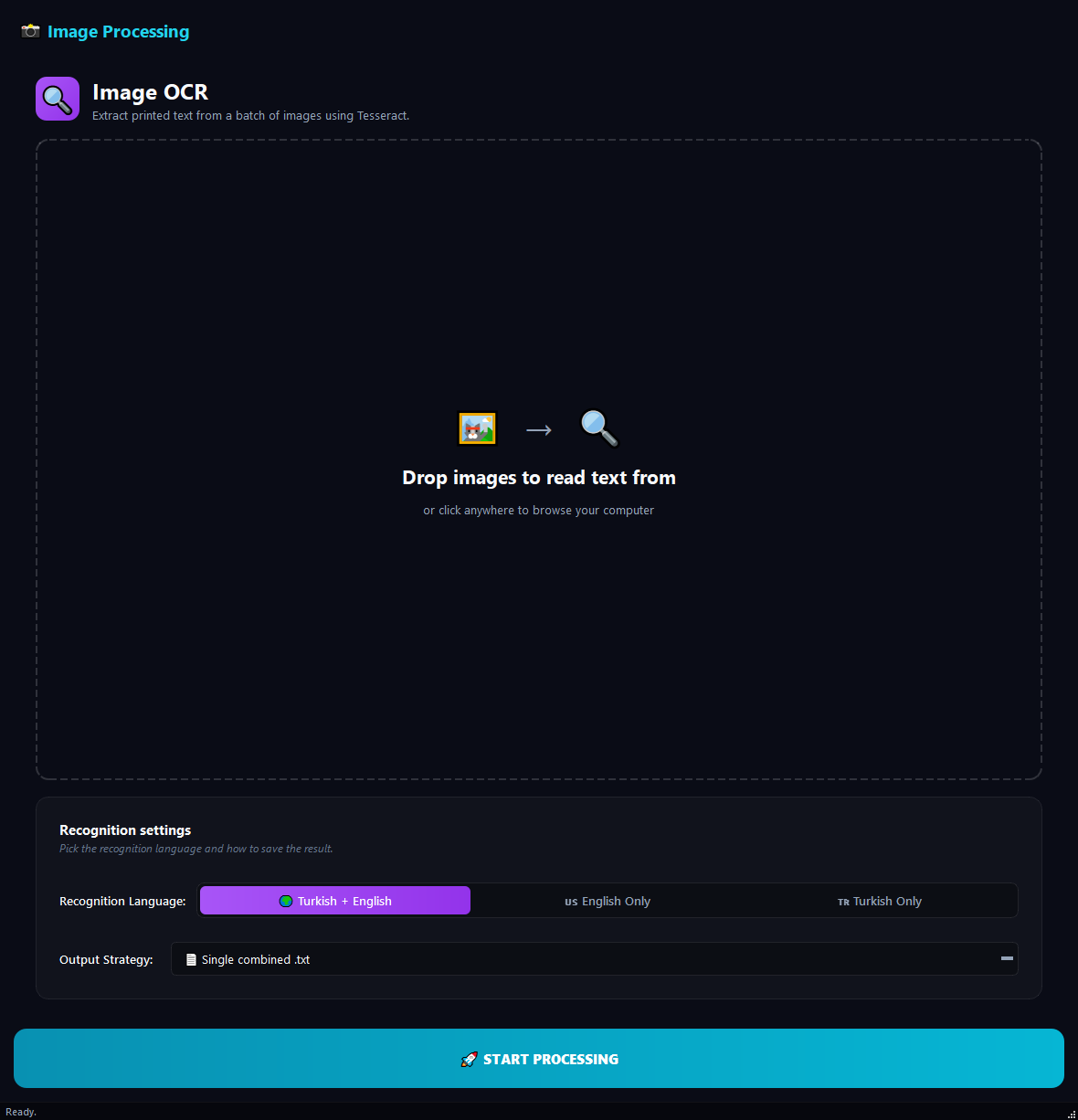
What it does
Use this to grab text from a phone photo of an invoice, copy text out of a screenshot, or convert a scanned document into editable text. For PDFs use **PDF OCR**, not this one.
How to use it
- 1Drag images into the list.
- 2Pick a Recognition Language: English + Turkish (recommended), English only, or Turkish only.
- 3Pick an Output Strategy: one file, separate files, or Excel.
- 4Click Run.
Use cases
Pull data out of invoice photos
Add invoice photos, English + Turkish, Excel Spreadsheet, run. Each invoice's text appears on its own row.
Copy error messages from screenshots
Add the error screenshots, English, Single Text File, run. All error texts in one file.
Digitise scanned book pages
Add the page photos, Turkish, Separate Files, run. One .txt per page.
Handwritten note photos
Works well on printed text. Handwriting accuracy is low.
Frequently asked questions
Is Image OCR free?
Yes. Version 0.1.46 is permanently free with all 76 tools and modules included. There is no usage quota or time limit, and no license key, account or subscription is required.
Local processing
Runs on your CPU/GPU. No file leaves your machine.
Batch ready
Process dozens or thousands of files in one run.
Part of BulkPro
Bundled with 76 tools across 7 modules: one install, one app.
Full UI reference, step-by-step workflows, edge cases
Every input, button, and behavior documented for advanced users.