PDF Encrypt
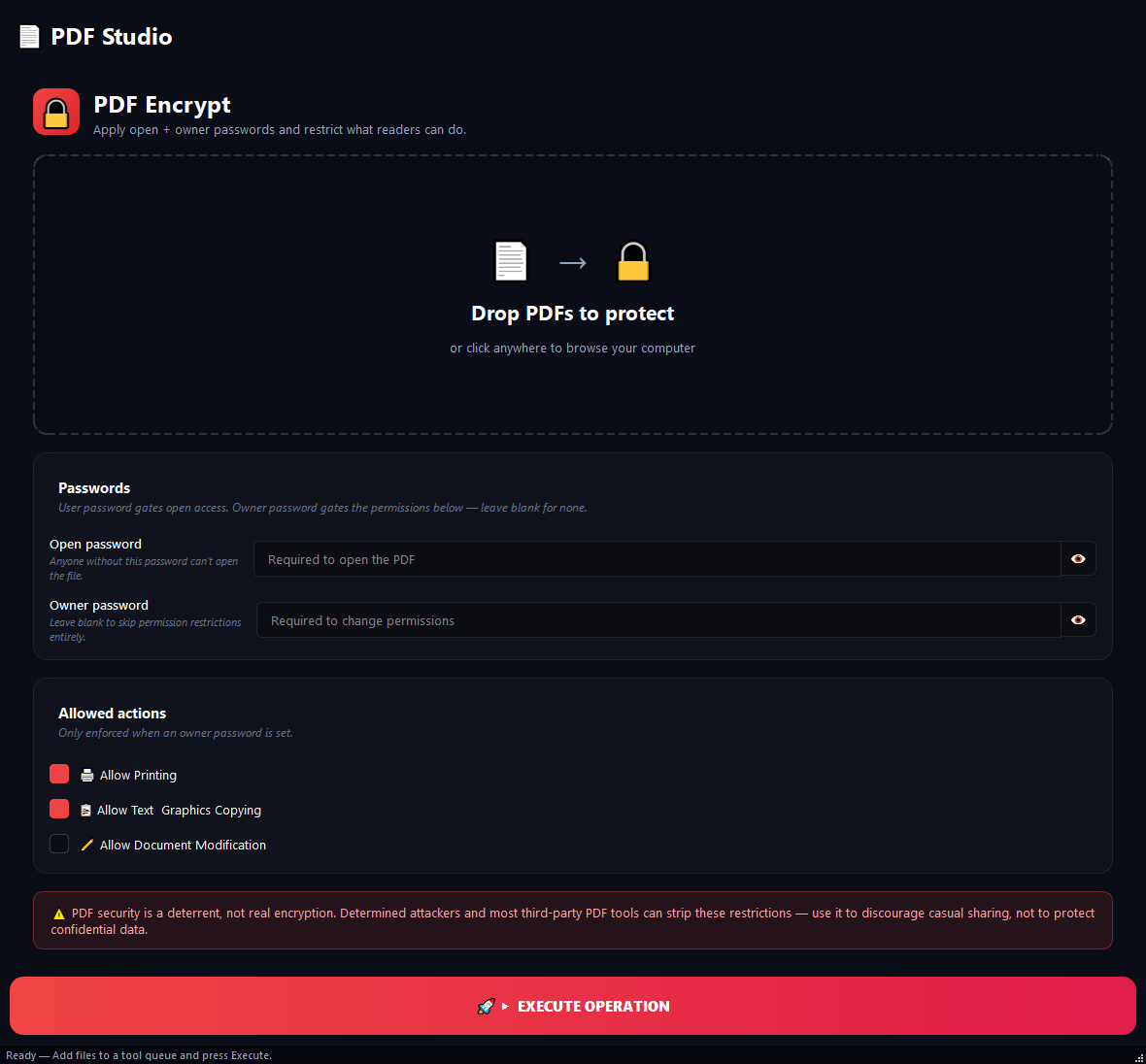
Used to protect confidential contracts, personal documents or corporate reports from unauthorised access.
Version 0.1.46 is permanently free with all 76 tools and modules. No usage quota, time limit, license key or subscription.
What it does
Used to protect confidential contracts, personal documents or corporate reports from unauthorised access. You can require a password to open the document, or leave it open but block printing and copying.
How to use it
- 1Drag the PDFs you want to protect into the list.
- 2Type a password into Open Password and confirm it. Leave this blank if you only want restrictions, no password.
- 3Optionally set an Owner Password. This is used to change permissions later.
- 4Uncheck the permissions you want to block (Print / Copy / Edit).
- 5Click Run.
Use cases
Open password only
Type Report2026! into the open password, confirm it, leave permissions as-is. The document opens with the password and everything is allowed afterwards.
Restriction without password
Leave all password fields blank. Disable printing and copying. The document opens freely but cannot be printed or copied.
Full corporate protection
Open password Viewer2026 (handed out to staff), owner password MasterAdmin#9821 (only the admin knows it), disable all three permissions. Staff can read but do nothing else.
Silent restriction
Leave open password blank, fill in owner password, disable printing. The PDF opens with no password and cannot be printed, but the admin can lift the restriction with the owner password.
Frequently asked questions
Is PDF Encrypt free?
Yes. Version 0.1.46 is permanently free with all 76 tools and modules included. There is no usage quota or time limit, and no license key, account or subscription is required.
Local processing
Runs on your CPU/GPU. No file leaves your machine.
Batch ready
Process dozens or thousands of files in one run.
Part of BulkPro
Bundled with 76 tools across 7 modules: one install, one app.
Full UI reference, step-by-step workflows, edge cases
Every input, button, and behavior documented for advanced users.