PDF Extract Text
Use this when you need raw text out of reports, book PDFs, or contracts - so you can paste into Word, search across them, or feed them to NLP/analysis tools.
Version 0.1.46 is permanently free with all 76 tools and modules. No usage quota, time limit, license key or subscription.
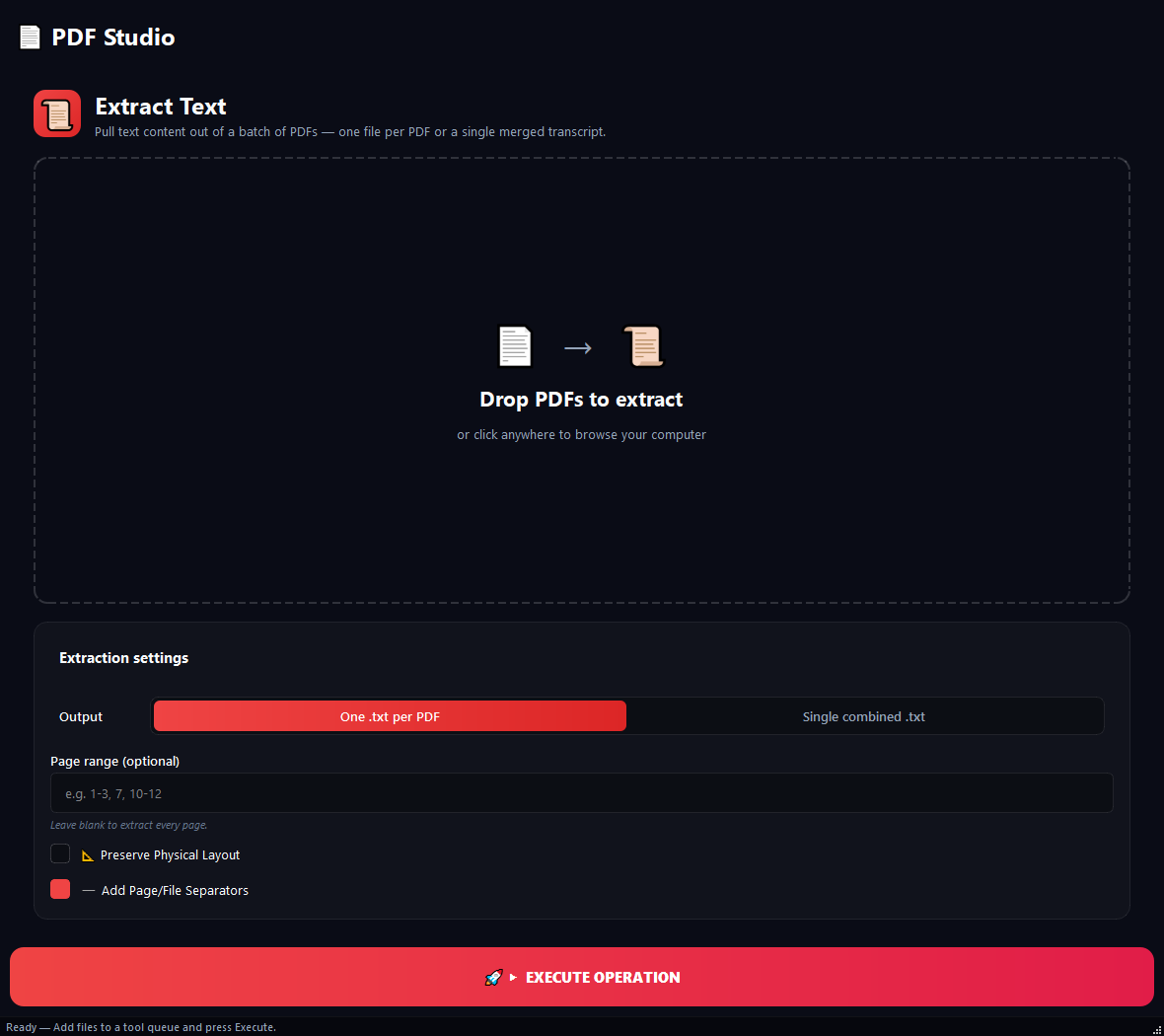
What it does
Use this when you need raw text out of reports, book PDFs, or contracts - so you can paste into Word, search across them, or feed them to NLP/analysis tools. For scanned PDFs (image-only), use the **OCR** tool instead, not this one.
How to use it
- 1Drag PDFs into the list.
- 2Pick an Output Mode: one .txt per PDF, or all merged into a single results.txt.
- 3Optionally type a Page Range (e.g. 1-5, 10). Leave blank to extract all pages.
- 4Click Run.
Use cases
Search across 12 monthly reports
Add all reports, run with "Separate file" mode. You get 12 .txt files.
Pull one chapter out of a book
Add book.pdf, type 45-120 in Page Range. Only that chapter is extracted.
Analyse 50 contracts as one corpus
Add all of them, "Merge" mode, "Preserve layout" off, "Separators" on. You get one results.txt.
Find which PDFs are scanned
Add 20 PDFs and run. Any .txt that comes out empty corresponds to a scanned PDF, run those through OCR.
Frequently asked questions
Is PDF Extract Text free?
Yes. Version 0.1.46 is permanently free with all 76 tools and modules included. There is no usage quota or time limit, and no license key, account or subscription is required.
Local processing
Runs on your CPU/GPU. No file leaves your machine.
Batch ready
Process dozens or thousands of files in one run.
Part of BulkPro
Bundled with 76 tools across 7 modules: one install, one app.
Full UI reference, step-by-step workflows, edge cases
Every input, button, and behavior documented for advanced users.