PDF Merge
Combine multiple PDFs into one file. Local, fast, no upload.
Version 0.1.46 is permanently free with all 76 tools and modules. No usage quota, time limit, license key or subscription.
What it does
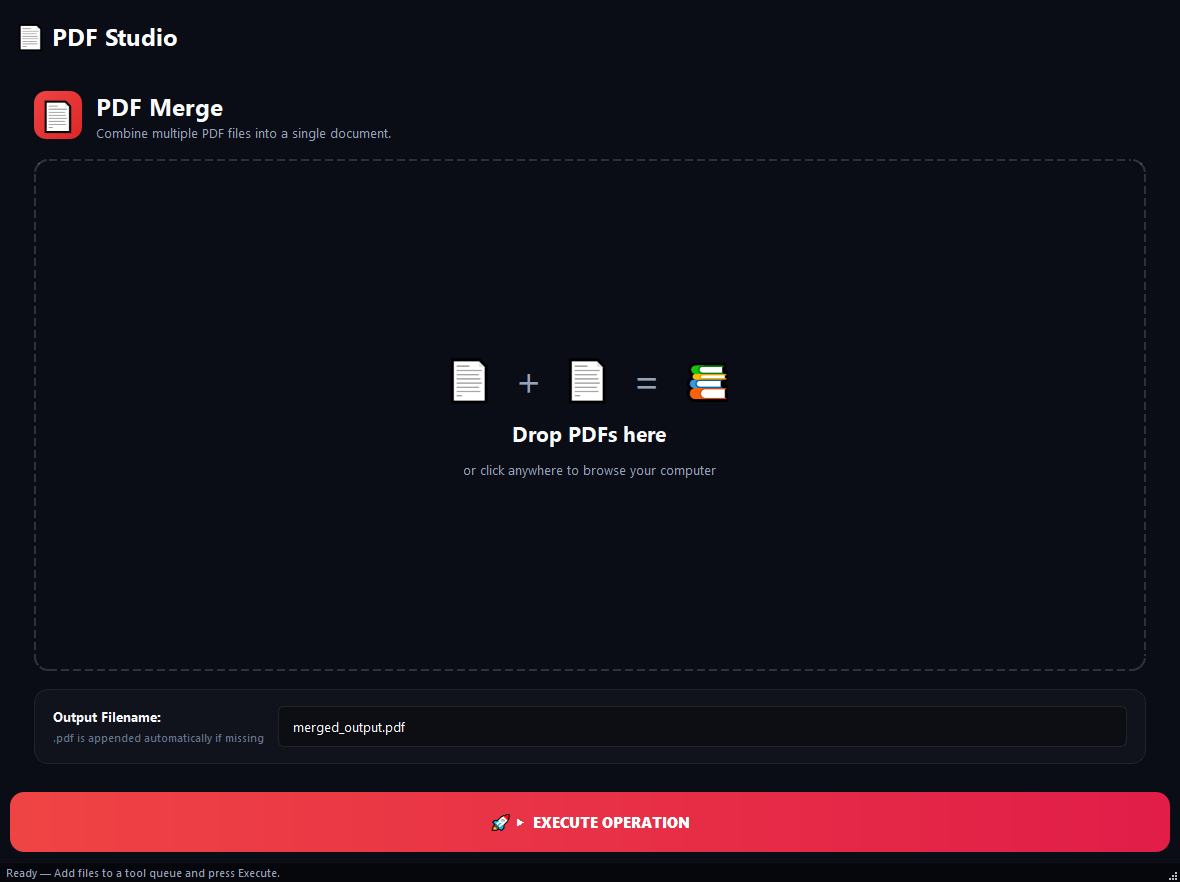
BulkPro PDF Merge combines multiple PDF files into a single PDF in any order you choose. From monthly reports to a cover + table of contents + body structure, from pages out of different sources to archives of hundreds of files, it merges everything in one interface. Unlike online tools, your files are never uploaded to a server; the whole job runs on your computer, so there is no size or count limit.
How to use it
- 1Drag the PDFs onto the list or pick them with 'Add PDF Files'.
- 2Reorder: drag a row or use the Up / Down buttons. The top file becomes the first pages of the output.
- 3Type an output filename (leave blank for merged_output.pdf).
- 4Hit Run. A single merged PDF is produced in seconds.
Use cases
Roll monthly reports into a yearly file
Add 12 monthly PDF reports in order, check the sequence, name the output 2026_Annual_Report.pdf. One archive-ready document.
Cover + contents + body
Put the cover first, contents second, the main document third. A polished, unified PDF for a proposal or deck.
Hundreds of pages at once
Collect dozens of PDFs from different sources into one list and merge. No upload wait, no size limit.
Frequently asked questions
How many PDFs can I merge at once?
There is no limit. Because the job runs locally on your computer, you can merge hundreds of files and large sizes in a single pass.
Are my files uploaded to the cloud?
No. BulkPro is local-first; your PDFs never leave your computer and are never sent to any server.
Can I change the merge order?
Yes. Drag files in the list or use the Up / Down buttons to set any order; the top file becomes the first pages of the output.
Can I merge encrypted PDFs?
Encrypted files are flagged with a red LOCKED tag. Remove the password first with the PDF Encryption tool, then merge.
Is PDF Merge free?
Yes. Version 0.1.46 is permanently free with all 76 tools and modules included. There is no usage quota or time limit, and no license key, account or subscription is required.
Local processing
Runs on your CPU/GPU. No file leaves your machine.
Batch ready
Process dozens or thousands of files in one run.
Part of BulkPro
Bundled with 76 tools across 7 modules: one install, one app.
Full UI reference, step-by-step workflows, edge cases
Every input, button, and behavior documented for advanced users.