Video Converter
Use this to modernise old-format videos, turn MKVs into MP4, make WebM WhatsApp-friendly, or convert GIFs into video.
Version 0.1.46 is permanently free with all 76 tools and modules. No usage quota, time limit, license key or subscription.
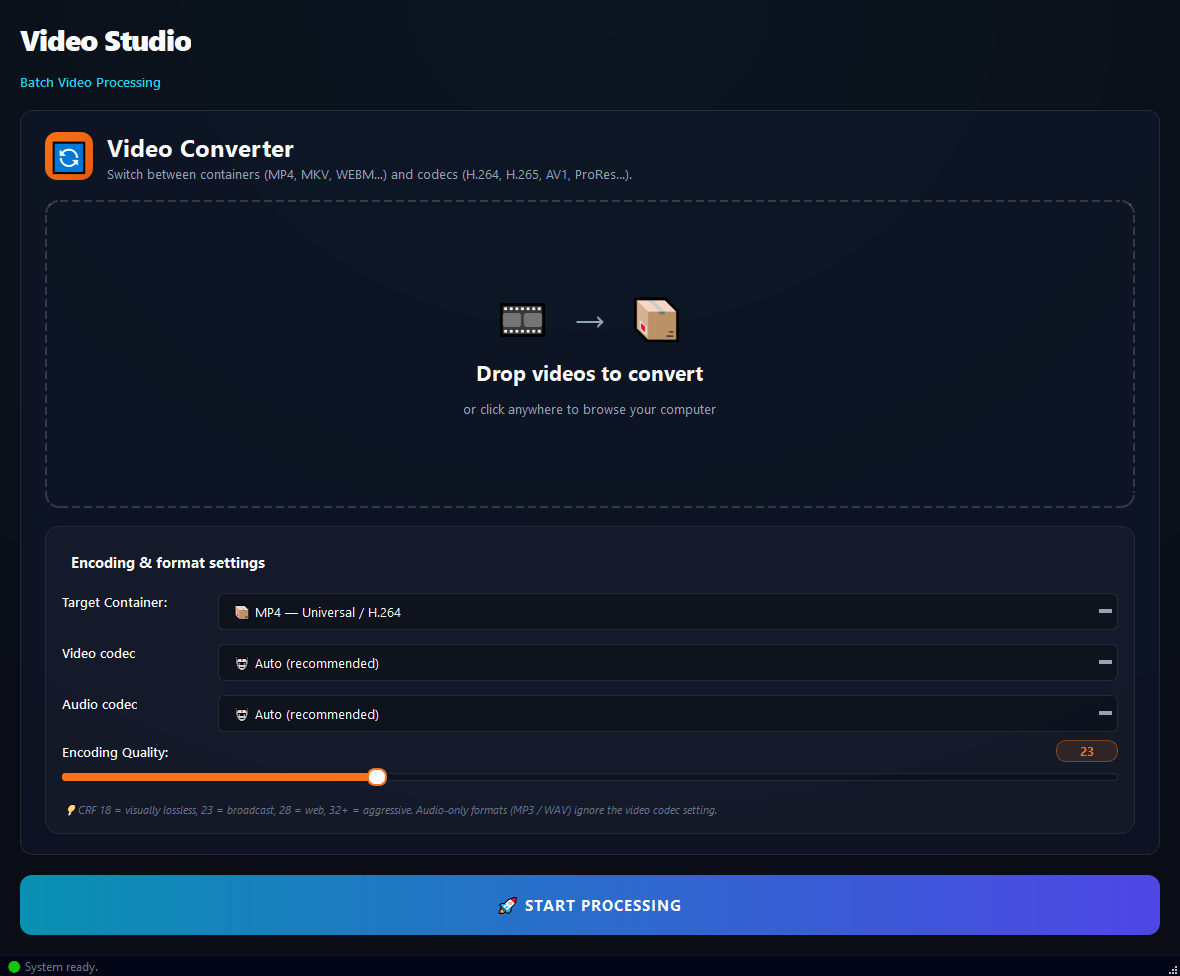
What it does
Use this to modernise old-format videos, turn MKVs into MP4, make WebM WhatsApp-friendly, or convert GIFs into video.
How to use it
- 1Drag video files into the list.
- 2Pick a Target Container (MP4 recommended).
- 3Pick a Video Codec and Audio Codec (leave Auto to let the system decide).
- 4Set the Encoding Quality (CRF).
- 5Click Run.
Use cases
Old WMVs into MP4
Add the WMVs, Target MP4, Auto codec, CRF 23, run.
MKVs into WhatsApp-friendly MP4
Add the MKVs, MP4, H.264, CRF 28, run. Small and compatible.
GIF into a video
Add the GIF, Target MP4, run. Now you can post it as a video on socials.
WebM into iPhone-friendly MP4
Add the WebM, MP4, H.264, run. Plays on iPhone/iPad.
Frequently asked questions
Is Video Converter free?
Yes. Version 0.1.46 is permanently free with all 76 tools and modules included. There is no usage quota or time limit, and no license key, account or subscription is required.
Local processing
Runs on your CPU/GPU. No file leaves your machine.
Batch ready
Process dozens or thousands of files in one run.
Part of BulkPro
Bundled with 76 tools across 7 modules: one install, one app.
Full UI reference, step-by-step workflows, edge cases
Every input, button, and behavior documented for advanced users.